
Beta Testing World Cannon Taught Me What AI-Built Really Means
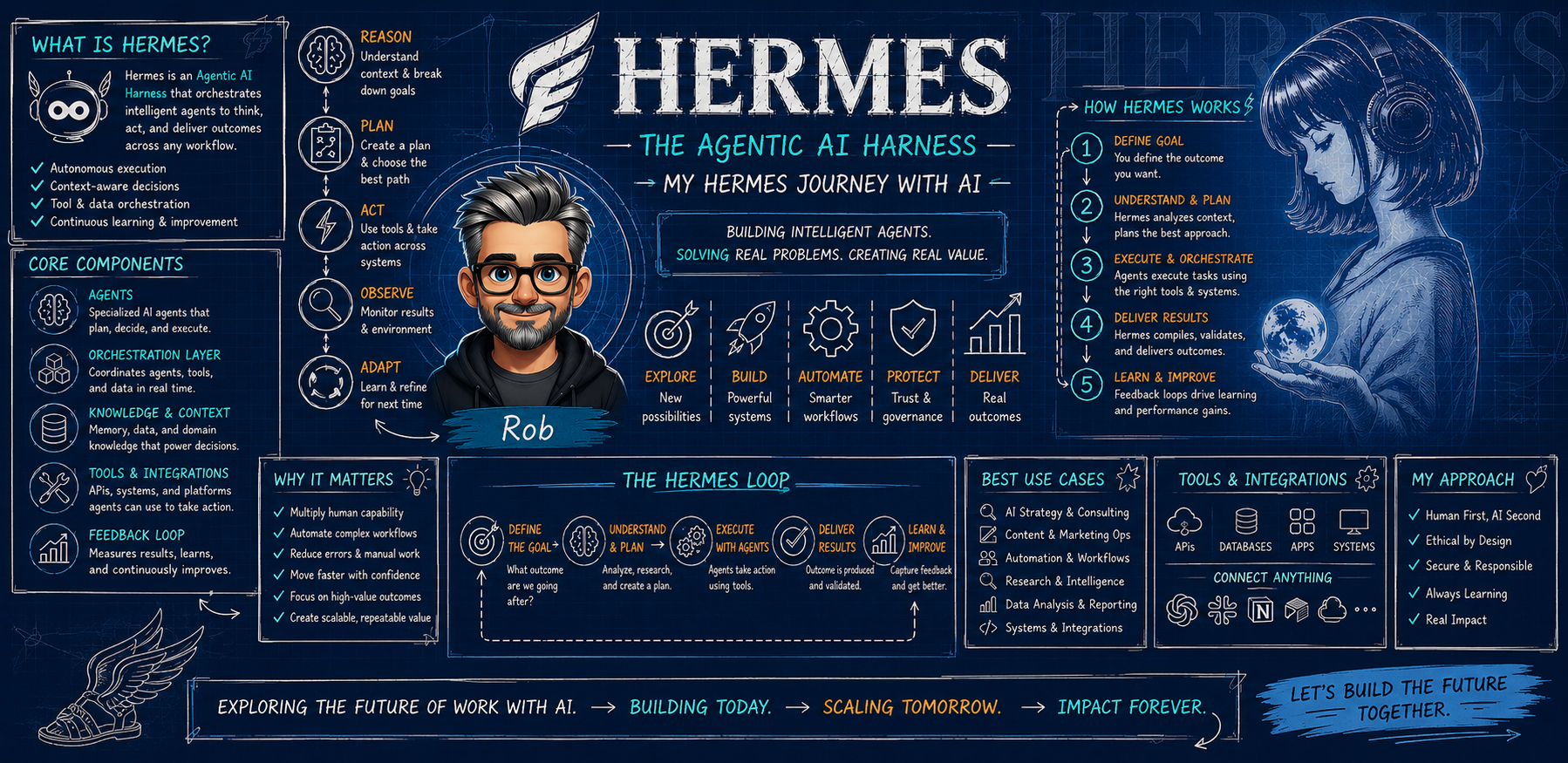
Tenth in the Hermes Journey series.
Summary: Building a product with AI does not skip QA, tester accounts, defect reports, or release gates. Running a real beta test on World Cannon showed me it just compresses the loop — if you actually run all of it.
Practical takeaway: AI-assisted product building does not skip QA. It compresses the loop between idea, build, test, fix, and learn — but only if you actually run the whole loop.
There is a version of “AI-built” that lives entirely in short videos. Someone types a sentence, a screen fills with a finished product, and it is over in ninety seconds. I understand why it travels. But it is not what building a real product with AI looks like, and running a beta test taught me the difference more clearly than any demo.
The product changed the question
World Cannon is a real product, not a demo — a worldbuilding and tabletop campaign tool where people create characters, factions, locations, and scenes, then connect them into worlds and campaigns that persist over time. It has generators, saved libraries, artwork, relationship links between entities, beta invite waves, real members, and a support inbox.
Building it has been AI-assisted from early on. Large parts of the interface, the data model, and the admin screens came together far faster than if every piece had been written from a blank file. That part is genuine. It is also not the interesting part.
The interesting part arrived when the question stopped being “can we build this?” and became “is this actually ready for people?”
That question does not care how the app was built, or that a screen took twenty minutes instead of two days. It only cares whether a member can sign in, create something, save it, find it again, and trust it will still be there.
A candidate build is not the product
One of the first practical lessons was about environments. The code running in production is not automatically the code you are about to test. There was a release candidate on a separate branch and a checklist that lived on the main line — a real risk of testing the wrong build and reporting clean results that meant nothing.
So the first step was confirming which build was actually in front of me — and being willing to say “I cannot test this correctly” rather than producing confident nonsense.
Every small business inherits that discipline the moment it has more than one version of anything: a live site and a staging copy, a draft and a published page. AI does not remove that distinction — it blurs it.
What a beta test actually looks like
People imagine beta testing as wandering around an app until something breaks. The useful version is more deliberate. This checklist had six areas, every one about ordinary use:
- Sign in and navigation: library, worlds, campaigns, generators, menus, refresh behavior, and the logged-out flicker that can appear after authentication.
- Identity consistency: change a character’s name or gender and check that pronouns, capitalization, and existing references update without damaging unrelated text.
- Create and reopen: save something, leave, come back, and confirm it survives — including the path back to it through its parent world or campaign.
- Scene regression: build a scene from at least two saved characters, confirm the selection is visibly marked, save it, reopen it, refresh it.
- Artwork presentation: enlarged views open and close cleanly, and card thumbnails are framed sensibly instead of cropped into nonsense.
- A normal-use session check: move through the app like a real member, then sign out and back in, to confirm that new activity tracking felt invisible from the member side and never captured creative content.
We wanted product activity — last active, sessions, creation counts — without ever collecting someone’s lore, prompts, notes, or generated text. Trust in a creative tool is built on what you choose not to look at, as much as on what you protect. None of those areas required advanced skill. They required someone to do them on the right build and write down what happened.
The false positives taught me more than the failures
Here is the part I would tell a business owner who thinks their AI assistant will handle QA for them. The first automated pass returned two apparent failures: a saved scene that seemed to reopen into an empty creation form, and a sign-in that appeared to break after signing out. Both looked like real defects. Both were wrong.
The screenshots told the real story. The scene detail page had loaded correctly, title, description, and participants intact. The sign-in form had simply retained the tester’s credentials, and clicking through returned to the library normally. The script had checked for the wrong signal.
Had we filed those as bugs, we would have sent the builder chasing ghosts and damaged confidence in the test. So the rule became: a test result is a claim, and claims need evidence. A failure report needs a screenshot or a reproduction, not an assertion. The discipline runs in reverse too — an all-clear from an automated pass is worth exactly as much as the coverage behind it.
What an honest defect report contains
When something genuinely does go wrong, the report is boring on purpose:
- what I was trying to do
- the exact page or feature
- what happened instead
- whether refreshing changed anything
- browser and device
- a screenshot if it is visual
- whether it happens every time
Then a severity: blocker if you cannot sign in, save, reopen, or continue; major if a core feature misbehaves but there is a workaround; minor if it is cosmetic. Writing “it’s broken” is not a defect report — it costs the builder a day of guessing.
AI is good at the drafting part — turning a messy observation into a repeatable report with a severity and a suggested next check. It is not good at being the person who noticed. Noticing is still the job.
The release decision is a human one
The last piece had nothing to do with code. Before inviting a new wave of members, someone has to make an actual decision: no blockers remain, issues affecting onboarding or saving are resolved, features parked out of this release stay parked, and the internal checks — activity records, invite reporting, confirmation emails — are verified by a human with the access to verify them.
That is a gate, not a vibe. It exists so “we shipped it” and “it works” are not the same sentence said hopefully.
What I would tell a consultant or small business owner
If you are building anything with AI assistance, budget for the same things you always would:
- a place to test that is not your live business, and the habit of confirming which version you are on
- tester accounts that behave like real users, not like the owner with every permission
- a written checklist for your most important workflows, because unfocused clicking finds cosmetic bugs and misses data loss
- a defect report format your team will actually use, with severities that mean something
- a release gate with named conditions, decided by a person who can see the whole picture
- privacy boundaries written down before you collect a new metric
The honest summary of my Hermes Journey so far: AI has not let me skip product discipline. It has tightened the loop — idea, build, test, fix, learn, in days instead of quarters — and that compression is real. But a tighter loop only helps if you run all of it. Skip the testing half and you have not moved faster; you have just arrived at a problem sooner.
This is Hermes Journey #10 — a practical account of building and operating an AI assistant system in real work. If your team is building with AI and is unsure where testing and approval boundaries should sit, that is exactly the kind of conversation worth having before the next release goes out.
Keep following the journey
Continue from the beginning at the Hermes Journey collection.
Build the operating layer before the demo.
If your team is experimenting with AI assistants, the practical question is not just what the model can do. It is what workflow, boundary, review loop, and dashboard will make the work dependable.