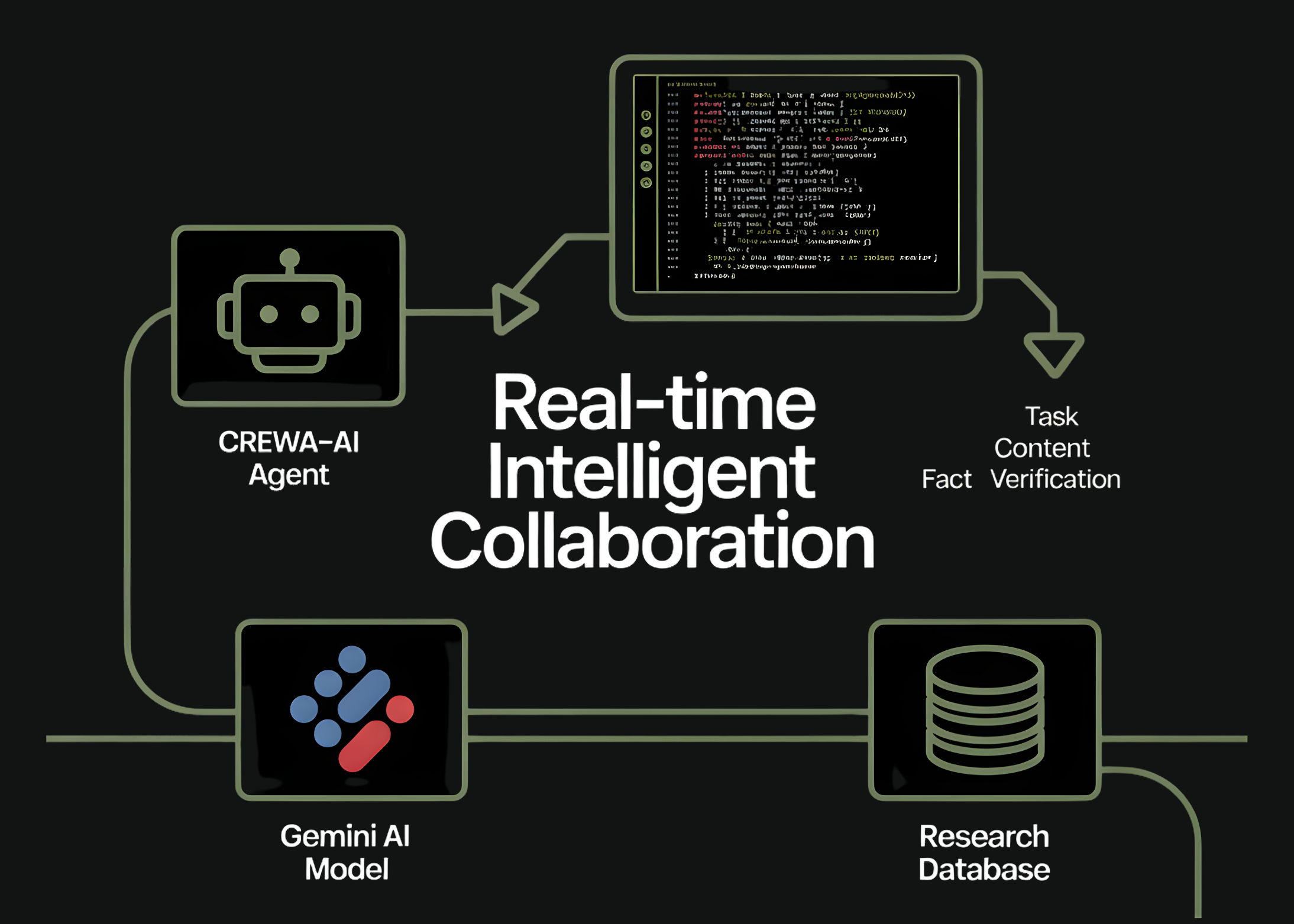
In this tutorial, we implement how we build a small but powerful two-agent CrewAI system that collaborates using the Gemini Flash model. We set up our environment, authenticate securely, define specialized agents, and orchestrate tasks that flow from research to structured writing. As we run the crew, we observe how each component works together in real time, giving us a hands-on understanding of modern agentic workflows powered by LLMs. With these steps, we clearly see how multi-agent pipelines become practical, modular, and developer-friendly. Check out the FULL CODES HERE.
import os
import sys
import getpass
from textwrap import dedent


print("Installing CrewAI and tools... (this may take 1-2 mins)")
!pip install -q crewai crewai-tools


from crewai import Agent, Task, Crew, Process, LLM
We set up our environment and installed the required CrewAI packages so we can run everything smoothly in Colab. We import the necessary modules and lay the foundation for our multi-agent workflow. This step ensures that our runtime is clean and ready for the agents we create next. Check out the FULL CODES HERE.
print("n--- API Authentication ---")
api_key = None
try:
from google.colab import userdata
api_key = userdata.get('GEMINI_API_KEY')
print(" Found GEMINI_API_KEY in Colab Secrets.")
except Exception:
pass
if not api_key:
print("
Found GEMINI_API_KEY in Colab Secrets.")
except Exception:
pass
if not api_key:
print(" Key not found in Secrets.")
api_key = getpass.getpass("
Key not found in Secrets.")
api_key = getpass.getpass(" Enter your Google Gemini API Key: ")
os.environ["GEMINI_API_KEY"] = api_key
if not api_key:
sys.exit("
Enter your Google Gemini API Key: ")
os.environ["GEMINI_API_KEY"] = api_key
if not api_key:
sys.exit(" Error: No API Key provided. Please restart and enter a key.")
We authenticate ourselves securely by retrieving or entering the Gemini API key. We ensure the key is securely stored in the environment so the model can operate without interruption. This step gives us confidence that our agent framework can communicate reliably with the LLM. Check out the FULL CODES HERE.
gemini_flash = LLM(
   model="gemini/gemini-2.0-flash",
   temperature=0.7
)
We configure the Gemini Flash model that our agents rely on for reasoning and generation. We choose the temperature and model variant to balance creativity and precision. This configuration becomes the shared intelligence that drives all agent tasks ahead. Check out the FULL CODES HERE.
researcher = Agent(
   role='Tech Researcher',
   goal='Uncover cutting-edge developments in AI Agents',
   backstory=dedent("""You are a veteran tech analyst with a knack for finding emerging trends before they become mainstream. You specialize in Autonomous AI Agents and Large Language Models."""),
   verbose=True,
   allow_delegation=False,
   llm=gemini_flash
)


writer = Agent(
   role='Technical Writer',
   goal='Write a concise, engaging blog post about the researcher's findings',
   backstory=dedent("""You transform complex technical concepts into compelling narratives. You write for a developer audience who wants practical insights without fluff."""),
   verbose=True,
   allow_delegation=False,
   llm=gemini_flash
)
We define two specialized agents, a researcher and a writer, each with a clear role and backstory. We design them so they complement one another, allowing one to discover insights while the other transforms them into polished writing. Here, we begin to see how multi-agent collaboration takes shape. Check out the FULL CODES HERE.
research_task = Task(
   description=dedent("""Conduct a simulated research analysis on 'The Future of Agentic AI in 2025'. Identify three key trends: 1. Multi-Agent Orchestration 2. Neuro-symbolic AI 3. On-device Agent execution Provide a summary for each based on your 'expert knowledge'."""),
   expected_output="A structured list of 3 key AI trends with brief descriptions.",
   agent=researcher
)


write_task = Task(
   description=dedent("""Using the researcher's findings, write a short blog post (approx 200 words). The post should have: - A catchy title - An intro - The three bullet points - A conclusion on why developers should care."""),
   expected_output="A markdown-formatted blog post.",
   agent=writer,
   context=[research_task]
)
We create two tasks that assign specific responsibilities to our agents. We let the researcher generate structured insights and then pass the output to the writer to create a complete blog post. This step shows how we orchestrate sequential task dependencies cleanly within CrewAI. Check out the FULL CODES HERE.
tech_crew = Crew(
agents=[researcher, writer],
tasks=[research_task, write_task],
process=Process.sequential,
verbose=True
)
print("n---  Starting the Crew ---")
result = tech_crew.kickoff()
from IPython.display import Markdown
print("nn########################")
print("## FINAL OUTPUT ##")
print("########################n")
display(Markdown(str(result)))
Starting the Crew ---")
result = tech_crew.kickoff()
from IPython.display import Markdown
print("nn########################")
print("## FINAL OUTPUT ##")
print("########################n")
display(Markdown(str(result)))We assemble the agents and tasks into a crew and run the entire multi-agent workflow. We watch how the system executes step by step, producing the final markdown output. This is where everything comes together, and we see our agents collaborating in real time.
In conclusion, we appreciate how seamlessly CrewAI allows us to create coordinated agent systems that think, research, and write together. We experience firsthand how defining roles, tasks, and process flows lets us modularize complex work and achieve coherent outputs with minimal code. This framework empowers us to build richer, more autonomous agentic applications, and we walk away confident in extending this foundation into larger multi-agent systems, production pipelines, or more creative AI collaborations.
Check out the FULL CODES HERE. Feel free to check out our GitHub Page for Tutorials, Codes and Notebooks. Also, feel free to follow us on Twitter and don’t forget to join our 100k+ ML SubReddit and Subscribe to our Newsletter. Wait! are you on telegram? now you can join us on telegram as well.
The post How to Orchestrate a Fully Autonomous Multi-Agent Research and Writing Pipeline Using CrewAI and Gemini for Real-Time Intelligent Collaboration appeared first on MarkTechPost.